Bioelectrical Body Analysis
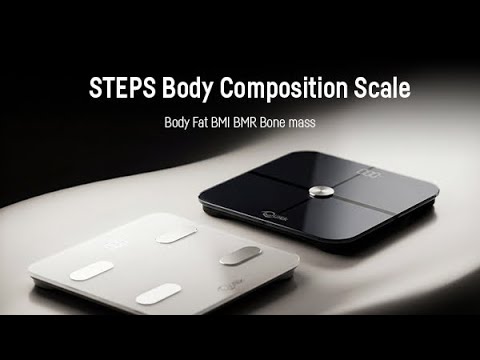
4 high-sensitivity sensors send safe bioelectrical signals through your body to measure subtle changes in composition — delivering lab-level accuracy from your bathroom floor.


Estimate delivery times: 3-5 days International.
Use code "WELCOME15" for discount 15% on your first order.
Free shipping & returns: On all orders over $150.
Couldn't load pickup availability


4 high-sensitivity sensors send safe bioelectrical signals through your body to measure subtle changes in composition — delivering lab-level accuracy from your bathroom floor.

Every QUTEK Smart Scale comes with a full 1-year warranty — because we stand behind the quality of every product we make.

Sync instantly via Bluetooth and monitor your weight, body fat, and all 12 metrics over time — so you can see exactly how your body is changing and stay on track toward your goals.

From body fat % and BMI to muscle mass, bone mass, visceral fat, and body water — one step on the scale gives you a complete picture of your body composition